

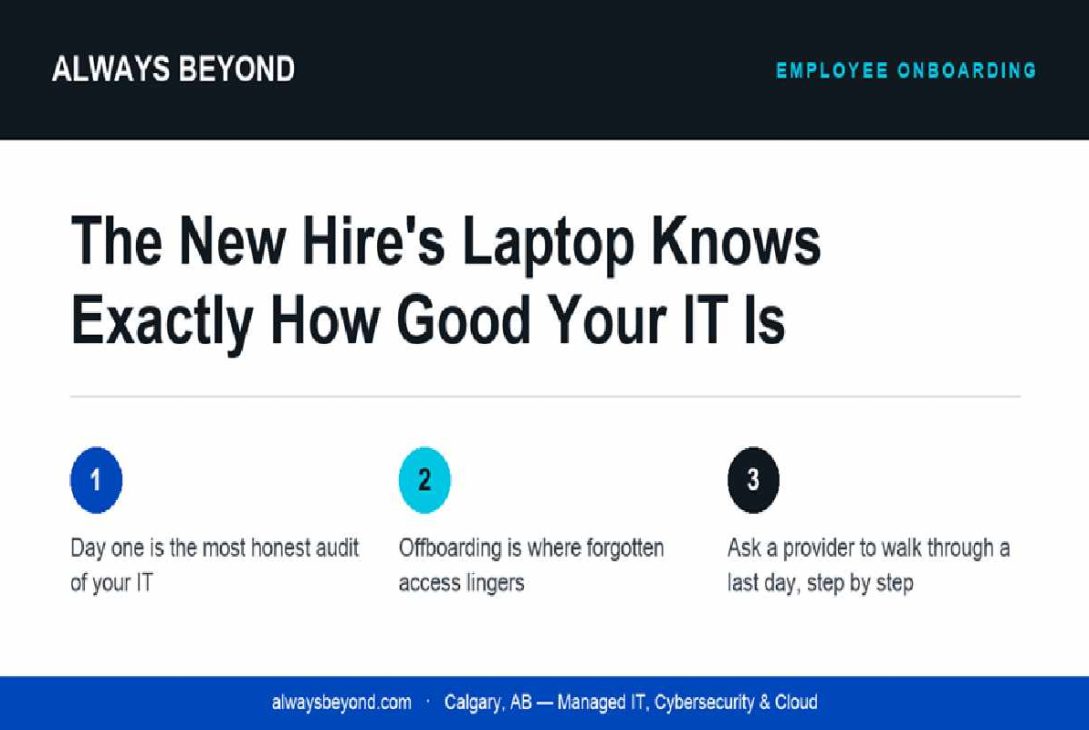
Picture the scene. A new hire arrives at nine, coffee in hand, ready to make a good impression. By ten she is sitting in a borrowed chair, watching a progress bar, while someone from accounts hunts for the admin password on a sticky note. By lunch she has an email address but no access to the shared drive, the CRM or the team chat. She spends her first afternoon reading the employee handbook as a PDF on her phone.
Every IT provider will tell you about their security stack and their uptime. Very few will talk about this moment, and that is a shame, because day one is the most honest audit of IT you will ever get. If you are collecting quotes for managed IT services in Calgary right now, skip the brochure. Before you sign, ask each provider to walk you through a new employee’s first morning instead.
Why onboarding is the real exam
Onboarding is a small, ordinary task that touches nearly everything. To get one person working, someone has to order or prepare hardware, create accounts in the right systems, assign licences, set permissions that match the role, enrol the device in whatever management tools you use, and switch on sign-in protections like multi-factor authentication. None of it is hard. All of it has to happen before the person walks in.
That makes it a near-perfect stress test. A provider who does it well has documentation, a checklist and a clear picture of what each role needs. A provider who does it badly is improvising, and improvising is what they will also be doing when something serious goes wrong. The first-day laptop is not about convenience. It is a preview.
If your new hires routinely lose their first day to setup, your provider probably does not have an accurate list of who has access to what. And if they do not have that list, every other promise they make about security is resting on guesswork.
Offboarding is where the skeletons live
Onboarding is the visible half. Offboarding is the half nobody watches, which is precisely why it matters more.
When someone leaves, their access has to leave with them. Email, file shares, cloud apps, the accounting software, the social media login the marketing team shares, the VPN. Their laptop needs to come back, get wiped properly and be ready for the next person. Their files need a new owner, so a client email thread from two years ago does not vanish into a disabled mailbox.
In a lot of small offices, this happens in a hurry or not at all. The departing employee’s account stays live for months. Shared passwords never get changed. Former staff keep a quiet back door into systems they no longer have any business seeing, usually without meaning harm. An account nobody is watching is an account somebody else can use.
Ask a prospective provider what happens, step by step, on an employee’s last day. If they say “just send us a ticket,” press them. Who triggers the process? What gets disabled and in what order? How do they find the apps that were signed up for outside IT’s view? A good answer will sound slightly boring and very specific. A weak answer will sound reassuring and vague.
What good looks like from the employee’s chair
The best version of this is almost invisible. The manager submits a request a few days ahead. The laptop arrives configured, or it is waiting on the desk. The new hire signs in, sets up multi-factor authentication with a short walkthrough, and her email, files and apps are simply there. If something is missing, she calls and a person answers. By ten she is doing the job she was hired for.
On the way out, the reverse happens just as quietly. Access ends on the final day, not three months later when someone notices. The laptop comes back, gets wiped and goes into the pool. Nobody has to remember anything, because the process remembers for them.
That is not a luxury reserved for large companies. It depends on whether your provider treats people changes as routine work they own or as ad hoc tickets they react to.
So here is a simple test for your current setup. Think about the last person who joined and the last person who left. Ask how long it took the first to be productive, and whether you are completely sure the second can no longer get in. If either answer ma